

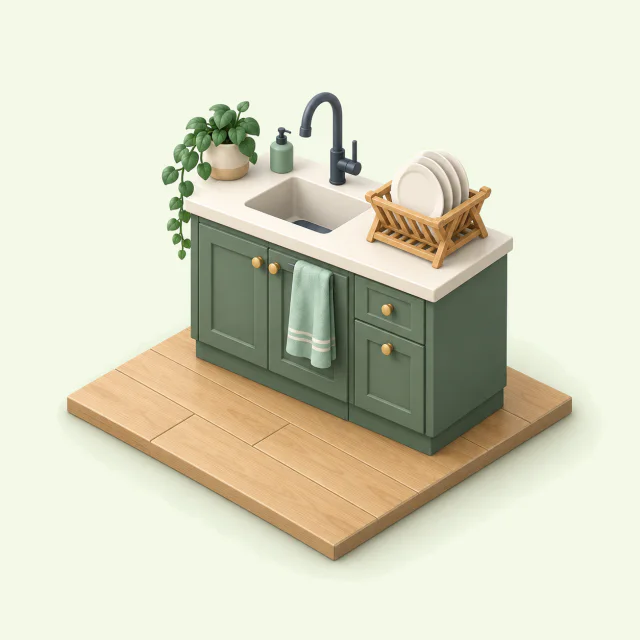
Recurring chores
Put the bins on Mondays and the sheets on every other Sunday. You set the schedule once, and each time the chore comes up, Housli adds it to the list of whoever does it.
Shared household chore app
Housli is a shared household chore app for couples and roommates. Put the dishes, bins and laundry on one schedule you share. Each of you opens Housli to see your chores for today, and when a chore comes back around, Housli hands it to whoever’s turn is next.
Housli is free. Use the same household on iPhone or in your browser.




Everyone checks the same list, so you stop scrolling the group chat to find out who said they’d buy dish soap.
Put the bins on Mondays and the sheets on every other Sunday. You set the schedule once, and each time the chore comes up, Housli adds it to the list of whoever does it.

Alternate the recycling with your partner or rotate the bathroom between three roommates. When Maya ticks it off, Housli puts the next turn on Alex’s list.
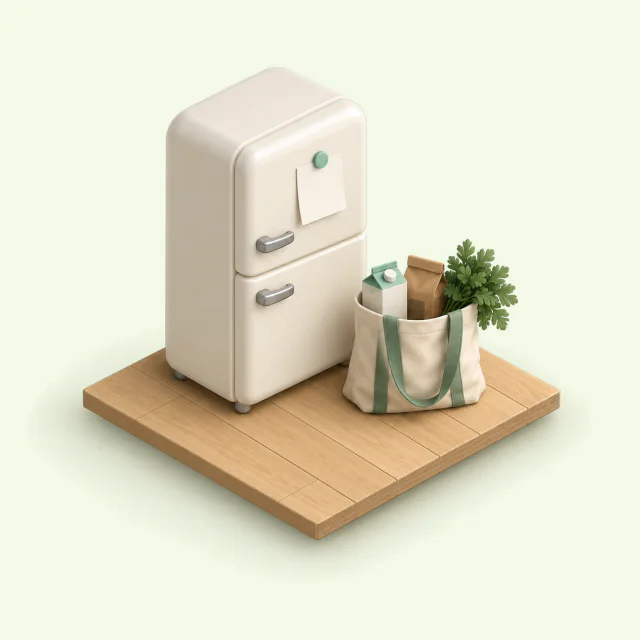
You share one grocery list. Anyone can add oat milk, and whoever is at the store checks it off.

If you paid the internet bill, ask each housemate for their share and see who has paid you back. Payments happen outside Housli, through your usual bank or payment app.
See how many chores each of you finished by week, month or year. Pull it up when you sit down to split the jobs again.
 Maya24
 Alex21
 Sam18
Sam18Your partner or roommates join from a link. After that, they open Today and tap done.
Notifications start off. You can turn on a morning or evening summary. Housli doesn’t send an alert for each overdue chore.
Use the iPhone app or any browser. You can add your chores to Apple or Google Calendar.
Try it, no account needed
Maya and Alex take turns with the recycling on Mondays. Mark Maya’s chore done below to see who gets the next turn.
Mark Maya’s chore done to see Alex’s next turn in Later, scheduled for Sep 14.
Today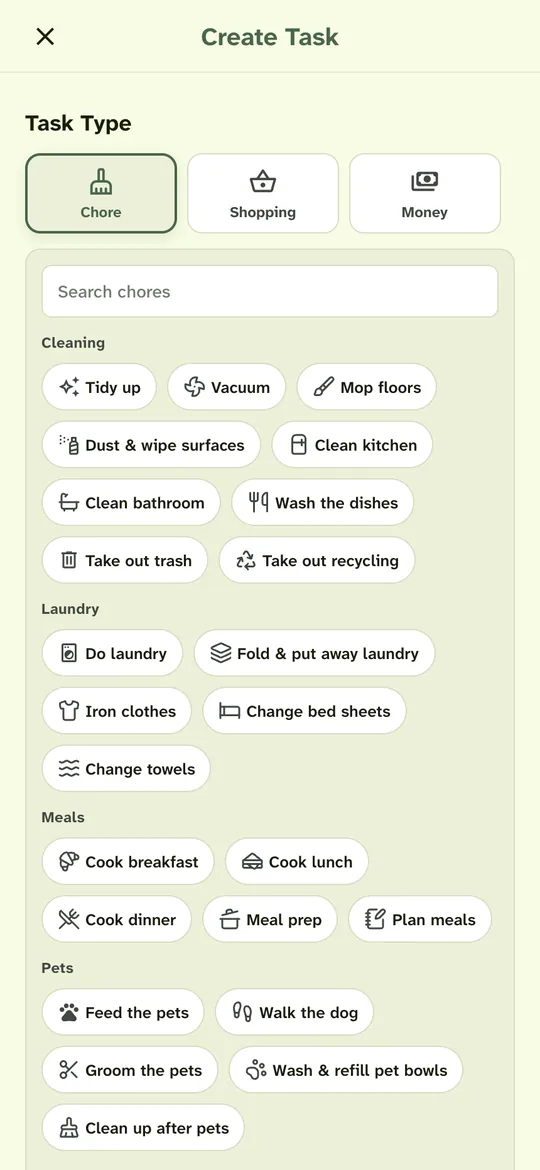
Sign in, name your home and pick chores like the dishes or feeding the pets from a ready-made list.
Send your partner or roommates a link. They join with their own account and see the chores you added.
Choose how often each chore repeats and who takes turns doing it.
Open Today to see what’s yours and tap a chore when you finish it. Your housemates see the tick on their phones.
You can set up the household and send an invite link. Your partner or roommates sign in, get a short introduction, and see the tasks you’ve added.
Yes. Housli supports daily, weekly, monthly, yearly and custom schedules, such as every 10 days or every 2 weeks. You can assign a chore to the same people each time or take turns.
You start with notifications turned off and can enable morning or evening summaries and new-assignment alerts in Settings. Housli doesn’t send individual overdue alerts. The iPhone app supports notifications directly; iPhone browser push requires adding the web app to your Home Screen.
Yes. Download Housli for iPhone from the App Store, or use the web app on your phone or computer. Sign in to the same household in either.
Yes. All features are included, and a household can have up to 10 active members.
Pay your housemate through your usual bank or payment app, then mark the request paid in Housli. You can use Housli to track requests, but you send the money elsewhere.

Add the first chore, invite the people you live with and choose who takes each turn.
Download for iPhone or sign in through your browser.